



This is for the documents leaving history for studying Django referred to the book called “Jump to Django”
 Disclaimer
This post is a personal study note created while learning the topic discussed. Some information may be inaccurate or incomplete. If you notice any errors or have suggestions, I’d sincerely appreciate your feedback.
Django app migrate
Before learning about models, let’s take a closer look at the message that appears when running python manage.py runserver.
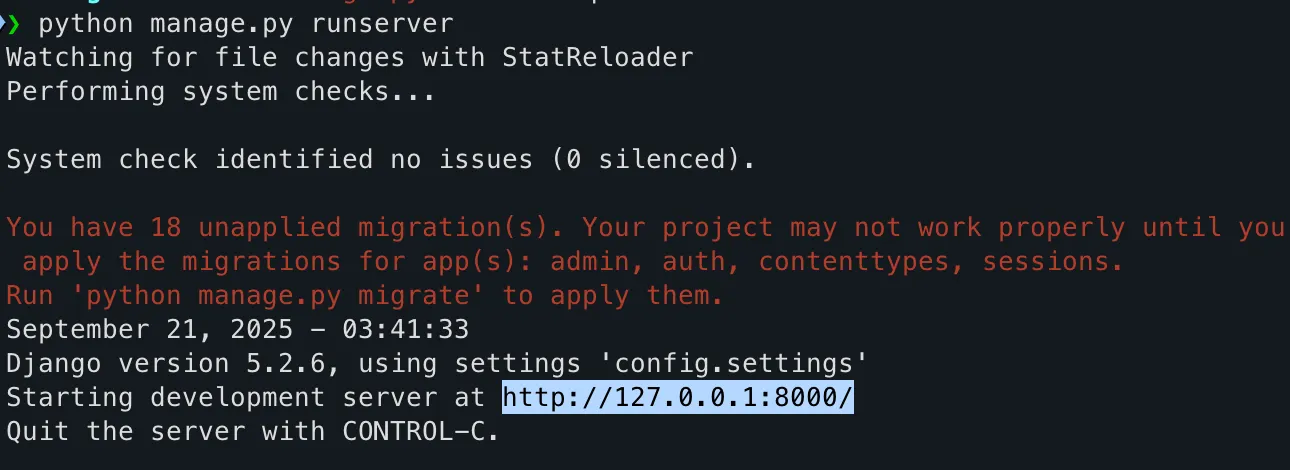
When you look at the server startup message, you’ll see a notice in the middle that says there are 18 unapplied migrations. These migrations are related to the admin, auth, contenttypes, and sessions apps. To apply them to the database, you need to run the command python manage.py migrate.
The admin, auth, contenttypes, and sessions apps mentioned here are the ones that come pre-installed when you create a new Django project. You can check the list of installed apps in the INSTALLED_APPS section of the config/settings.py file.
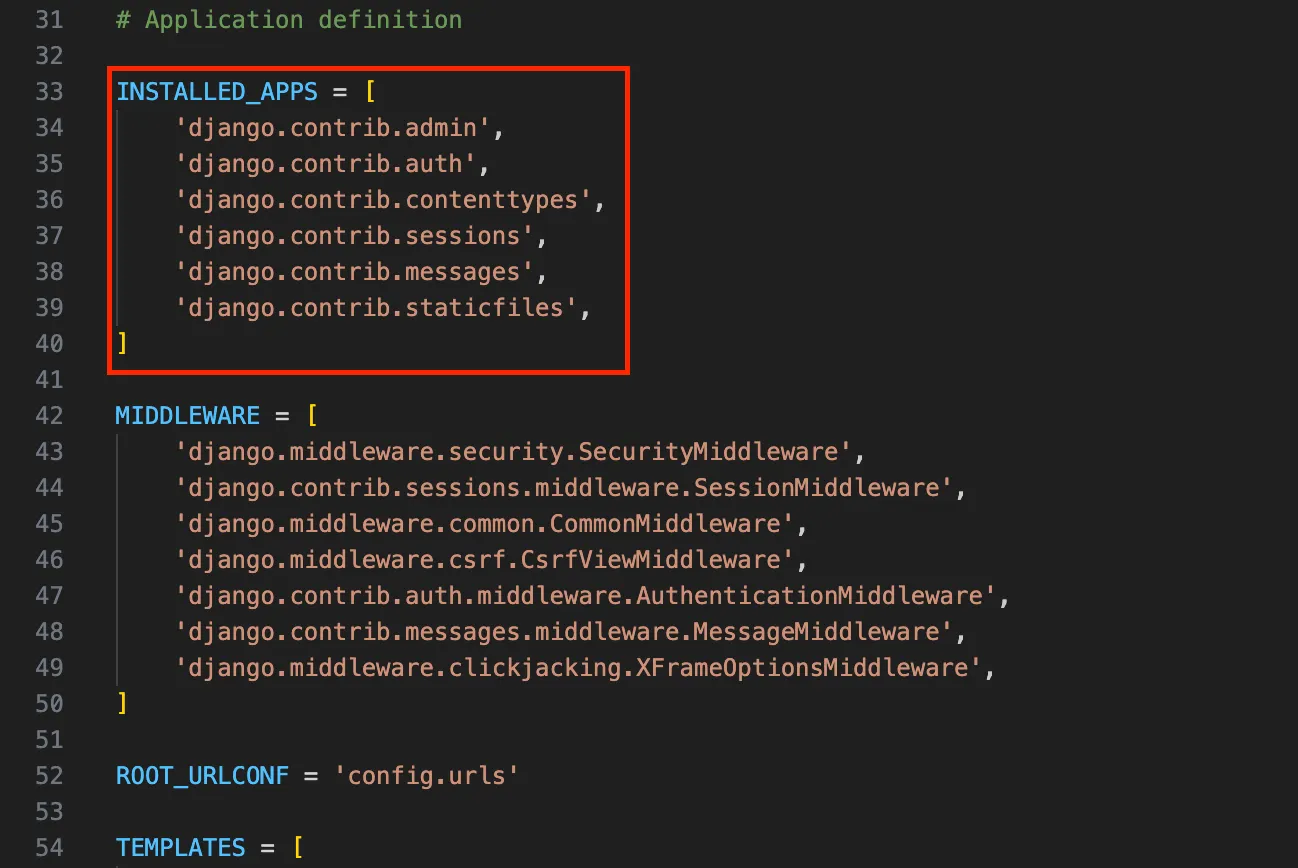
In addition to the apps mentioned above, you can also see the messages and staticfiles apps. Since these two apps are not related to the database, they were not included in the warning message mentioned earlier.
In Django, you must always perform migrations. Defining or modifying models in Python code does not automatically change the database. The migrate command takes the migration files and applies them to the actual database by creating or altering tables, adding columns, and updating constraints.
For example, to use authentication features, the auth_user table must exist in the database, and it is the migrate process that creates it.
Migrations not only build the schema but also keep track of model changes, allowing you to reproduce the same database structure across different environments.
They also make collaboration easier, since changes made by one developer can be applied by others simply by running migrate. In deployment, migrations ensure that code and the database remain in sync in a stable and consistent way.
Therefore, apps that rely on the database must always use migrations. On the other hand, apps such as messages or staticfiles, which do not directly depend on the database, do not require any tables and are excluded from the migration process.
Ultimately, migrations are an essential step to prepare and maintain the database schema so that apps that use the database can function properly.
If you look closely at the config/settings.py file, you can see not only the installed apps but also the information about the database being used, defined as follows.
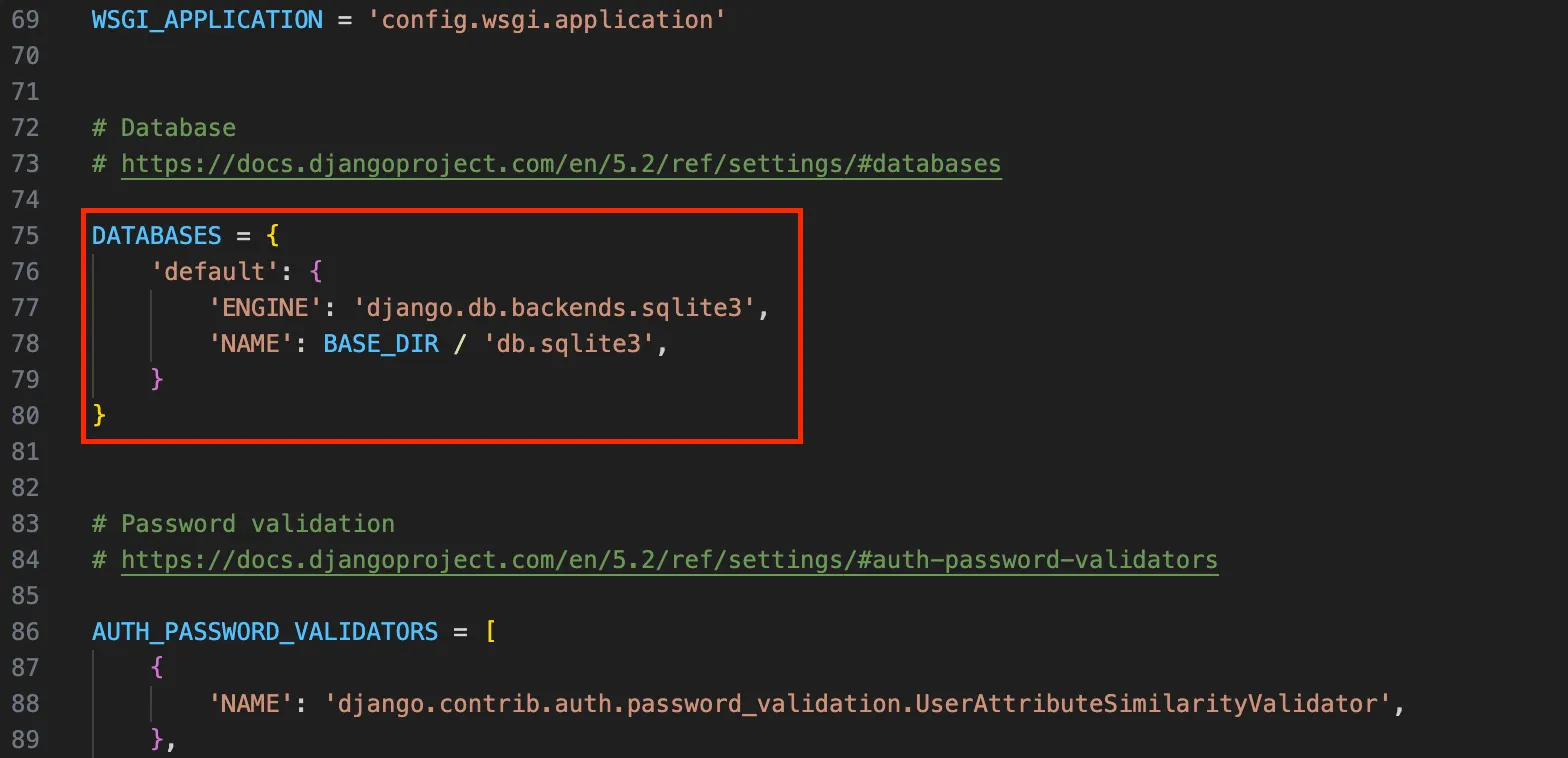
The database engine is defined as django.db.backends.sqlite3. The database file is configured to be stored as db.sqlite3 under the BASE_DIR directory. Here, BASE_DIR refers to the project directory.
SQLite is the default database engine provided in Django, and it can be used right away without any separate installation since it is a lightweight, file-based database.
Unlike most databases that are installed and managed on a server, SQLite stores all data in a single .sqlite3 file, which makes it very convenient when starting a project or developing a simple web application.
When you create a Django project, the default settings automatically generate a db.sqlite3 file where all the data will be stored.
However, because SQLite uses a single file structure, it has limitations in handling many simultaneous requests or managing large-scale data. For this reason, it is mainly used in development, testing, or small-scale projects rather than in full-scale production.
In contrast, production environments often rely on more powerful and scalable databases such as PostgreSQL or MySQL. In short, SQLite is ideal for learning Django and rapid prototyping, but it is not well-suited for large-scale services.
Type the following command in the command prompt.
python manage.py migrate
Bash
복사
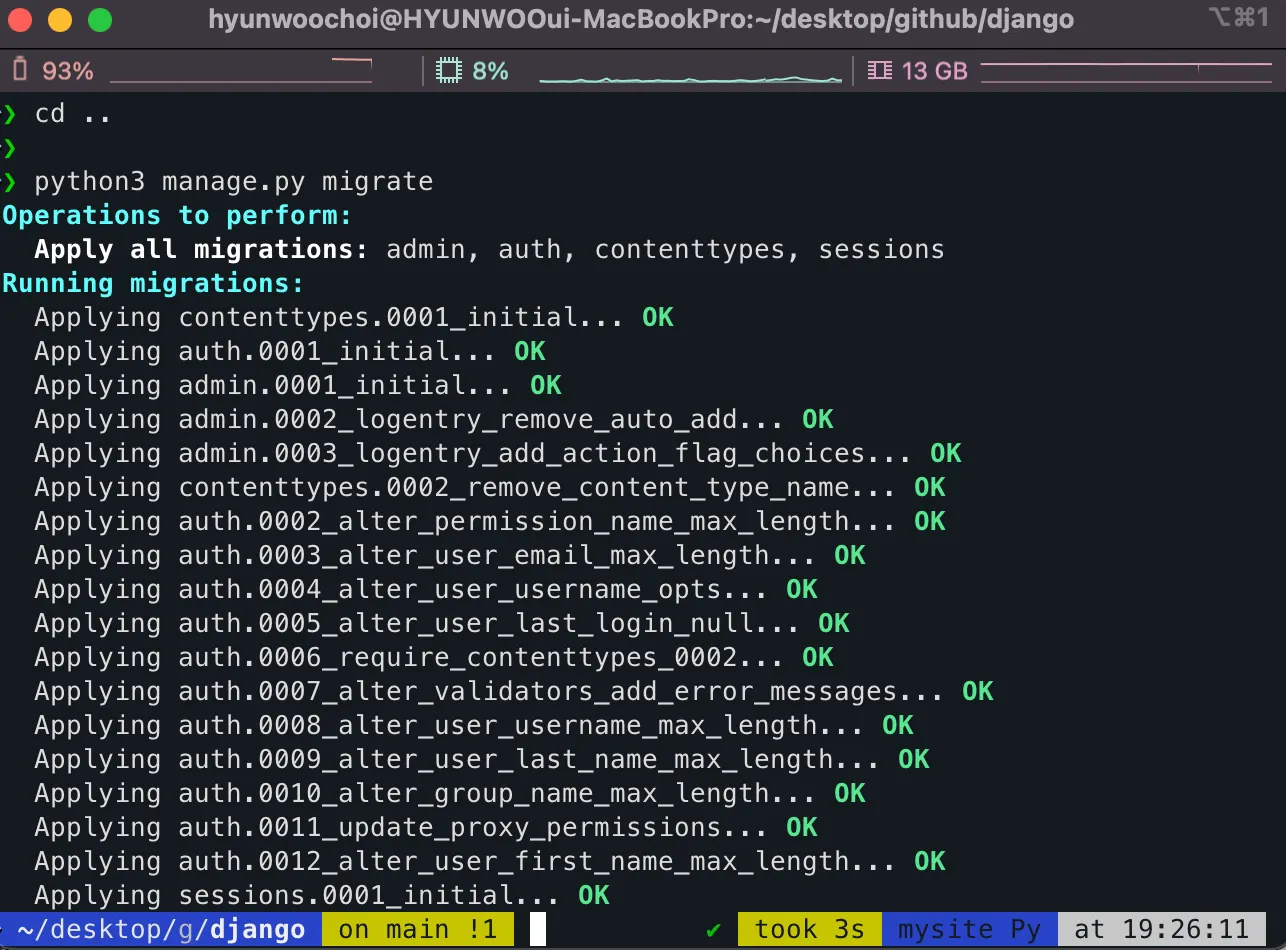
When you run migrate, it creates the tables used by the admin, auth, contenttypes, and sessions apps. You don’t need to know exactly which tables are created, because even if you use those apps, you won’t be working with the tables directly.
DB Browser for SQLite
Although you won’t need to look directly into the database, if your curiosity is piqued, you can use a program called DB Browser for SQLite to view the tables created in the SQLite database.
Install DB Browser for SQLite https://sqlitebrowser.org/dl/
https://sqlitebrowser.org/dl/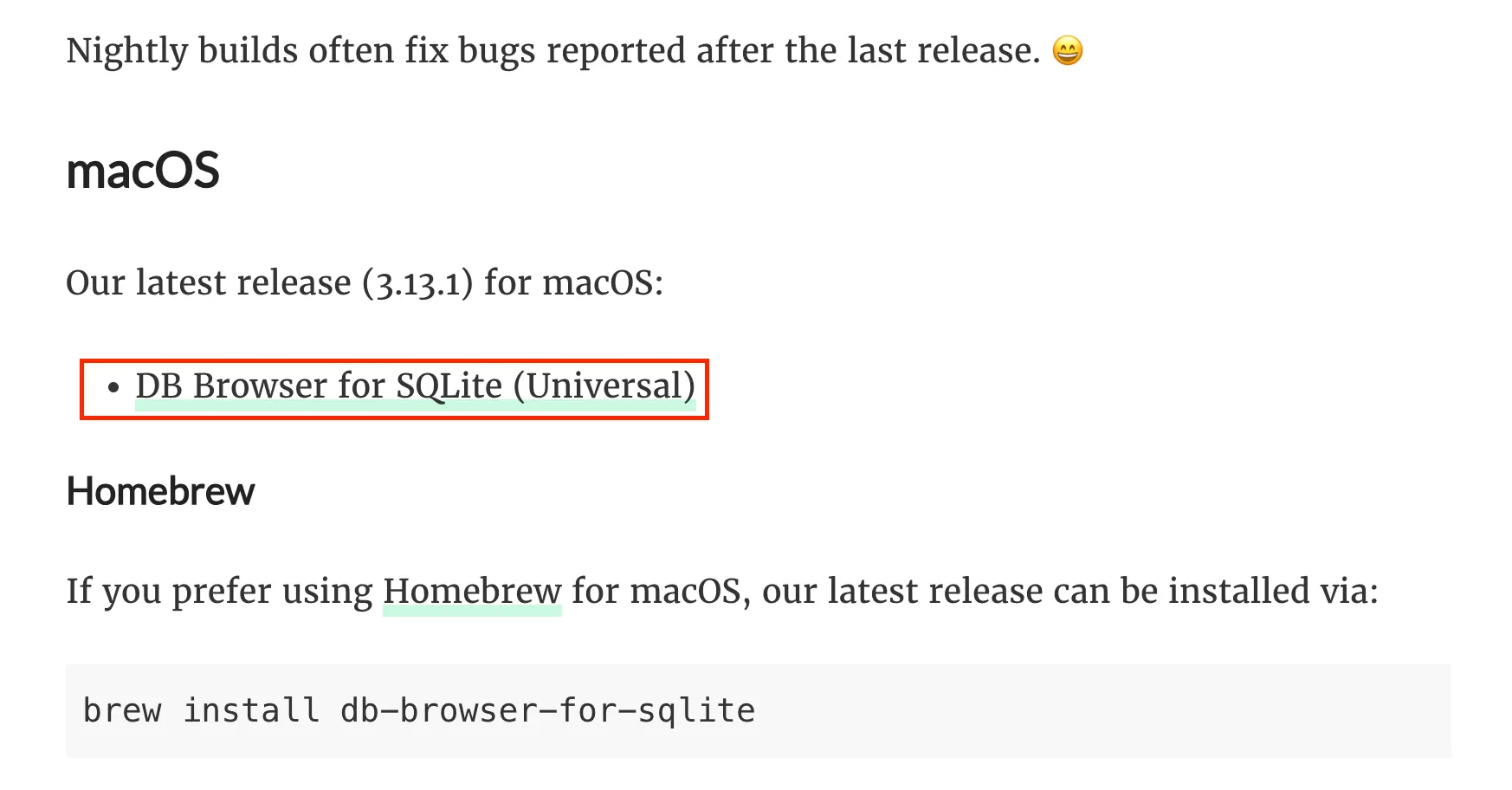
Click the provided link to access and download the program that suits your system. Since I’m currently working in a macOS environment, I’ll download the Mac version for this practice.
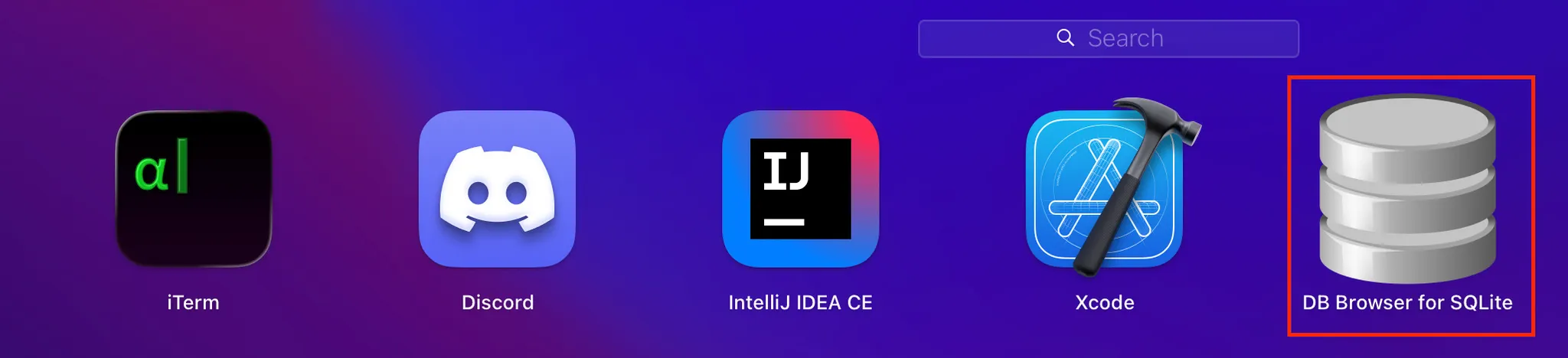
Once the installation is complete, DB Browser for SQLite will be installed as shown above.
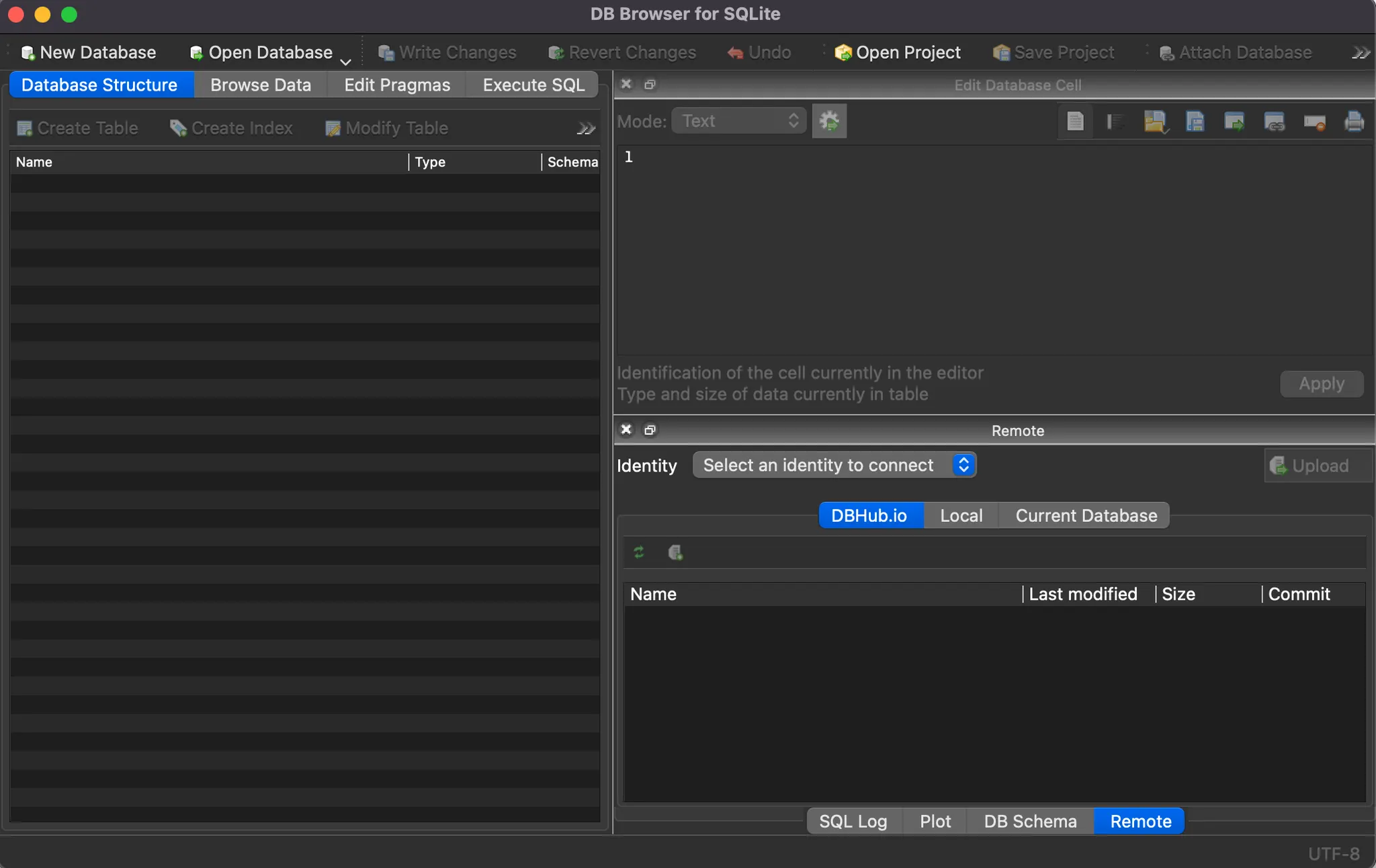
After installing, you will see a screen like the one above when you run the program.
After that, open the database by navigating to the directory where your Django project is located, and select the db.sqlite3 file.
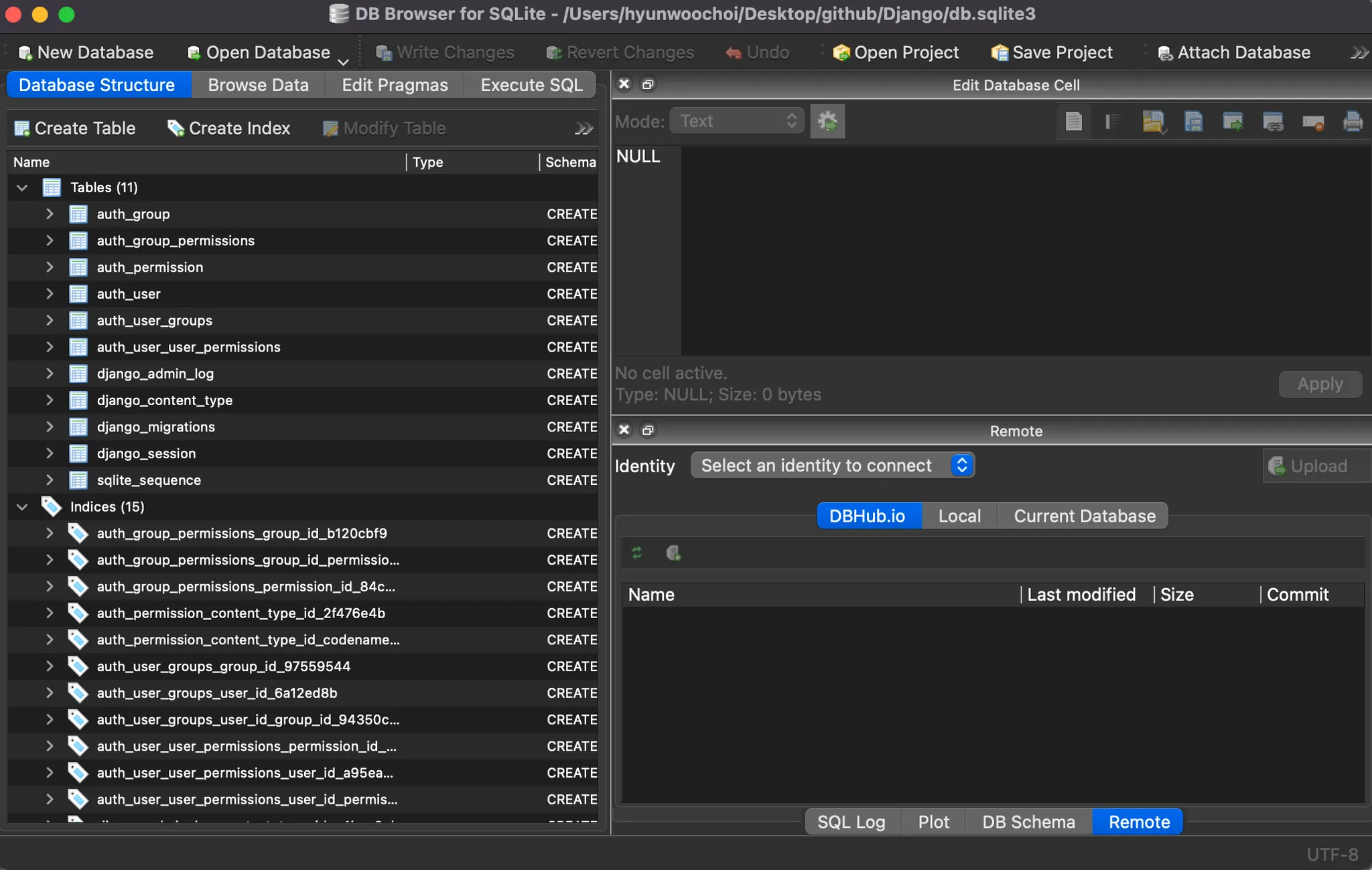
Then, as shown in the image above, you can see that several tables have been automatically created under the Tables section. In this post, I simply wanted to demonstrate that you can check the tables using this method if you wish to, I won’t go into further detail about it here.
One of Django’s major advantages is that you don’t need to manually write or execute SQL queries to work with tables. By using Django’s ORM (Object Relational Mapping), you can easily handle data operations without knowing any SQL.
ORM, or Object Relational Mapping, is a technique that allows developers to interact with a database using object-oriented programming concepts instead of writing raw SQL queries. In simpler terms, it acts as a bridge between the object-oriented world of a programming language (like Python) and the relational structure of a database.
With ORM, you can represent database tables as classes, and each row in a table as an instance (object) of that class. This means you can create, read, update, and delete data using familiar programming syntax rather than SQL statements. For example, instead of writing SELECT * FROM users WHERE id=1;, you can simply call something like User.objects.get(id=1) in Django.
The main benefit of ORM is productivity and abstraction, it lets you focus more on the logic of your application rather than the complexities of database syntax, while still maintaining compatibility with various database systems such as SQLite, PostgreSQL, and MySQL.
Create a model
Now, let’s create the data model for Pybo, our project. Since Pybo will fundamentally serve as a Q&A board, it needs to support asking and answering questions.
So, let’s define the data models for questions and answers in Pybo.
[Question Model]
Attribute | Explanation |
subject | Question and title |
content | Question and content |
create_date | Date and time the question was created |
Likewise, we’ll define the data model for answers.
[Answer Model]
속성 | 설명 |
question | Question (we need this attribute to know which question the answer belongs to) |
content | Content of the answer |
create_date | Date and time the answer was created |
models.py
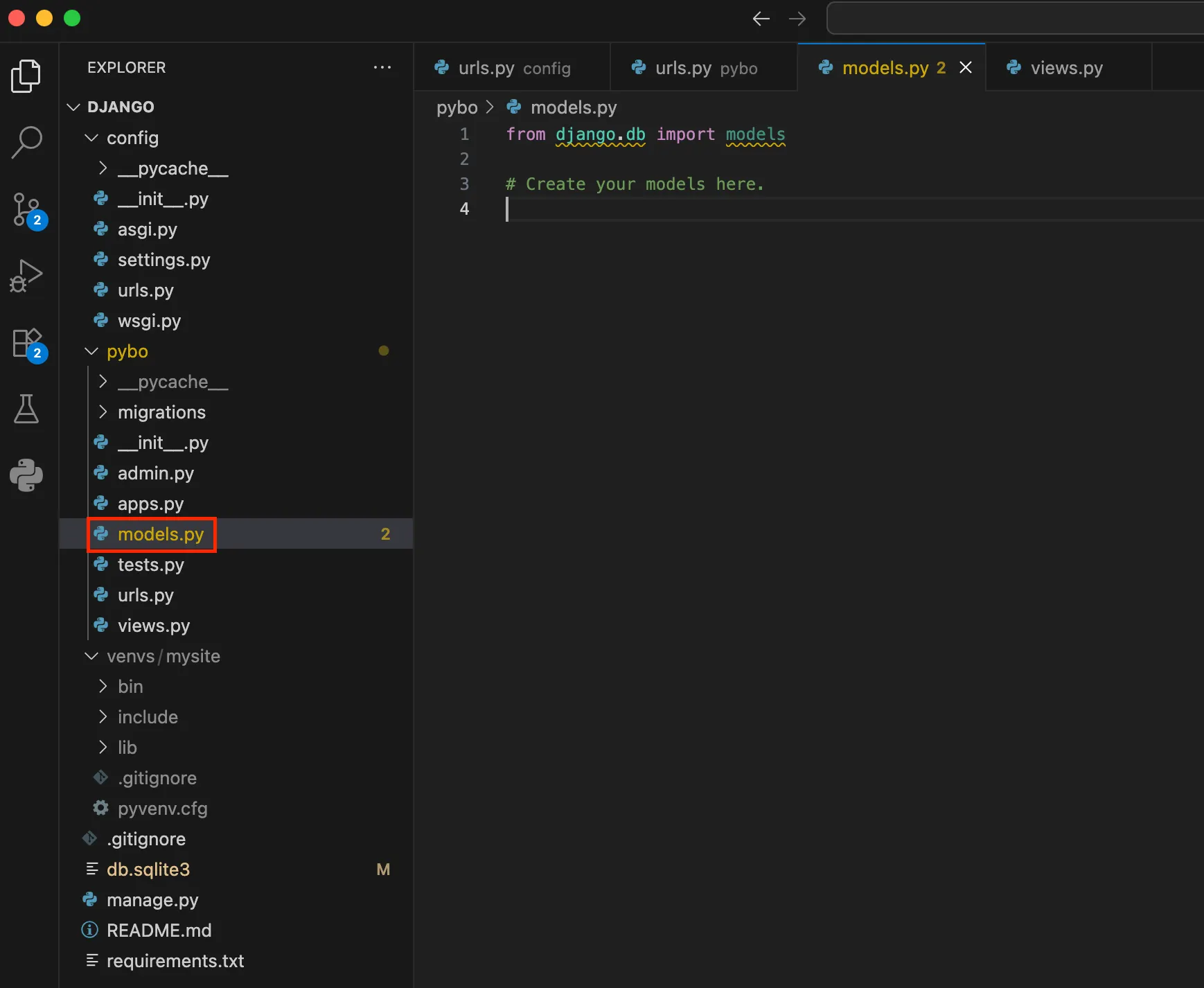
We’ve finished defining the models earlier. Now, let’s actually write these models in the models.py file for our project.