



This is for the documents leaving history for studying Django referred to the book called “Jump to Django”
 Disclaimer
This post is a personal study note created while learning the topic discussed. Some information may be inaccurate or incomplete. If you notice any errors or have suggestions, I’d sincerely appreciate your feedback.
So far, we’ve created a Django project. From here on, we’ll dig into Django’s features one by one in detail—the first thing we’ll learn is the URLs and views used in Django.
App
So far, we have only created the project, but the project itself cannot perform any functions. To add functionality to the project, we need to create an app. Now, let’s create the pybo app, which will handle the bulletin board feature.
Let’s create the pybo app using the startapp command of django-admin in the command prompt, as shown below.
django-admin startapp pybo
Bash
복사
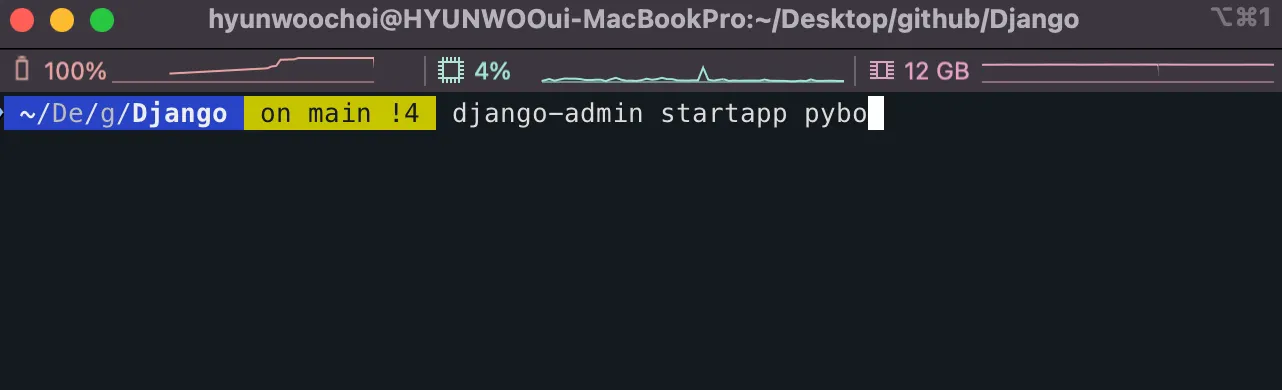
(After running the command, nothing will be printed out, don’t worry about it.)
After running the above command and checking the project directory again, you can see that the pybo app has been created as shown below.
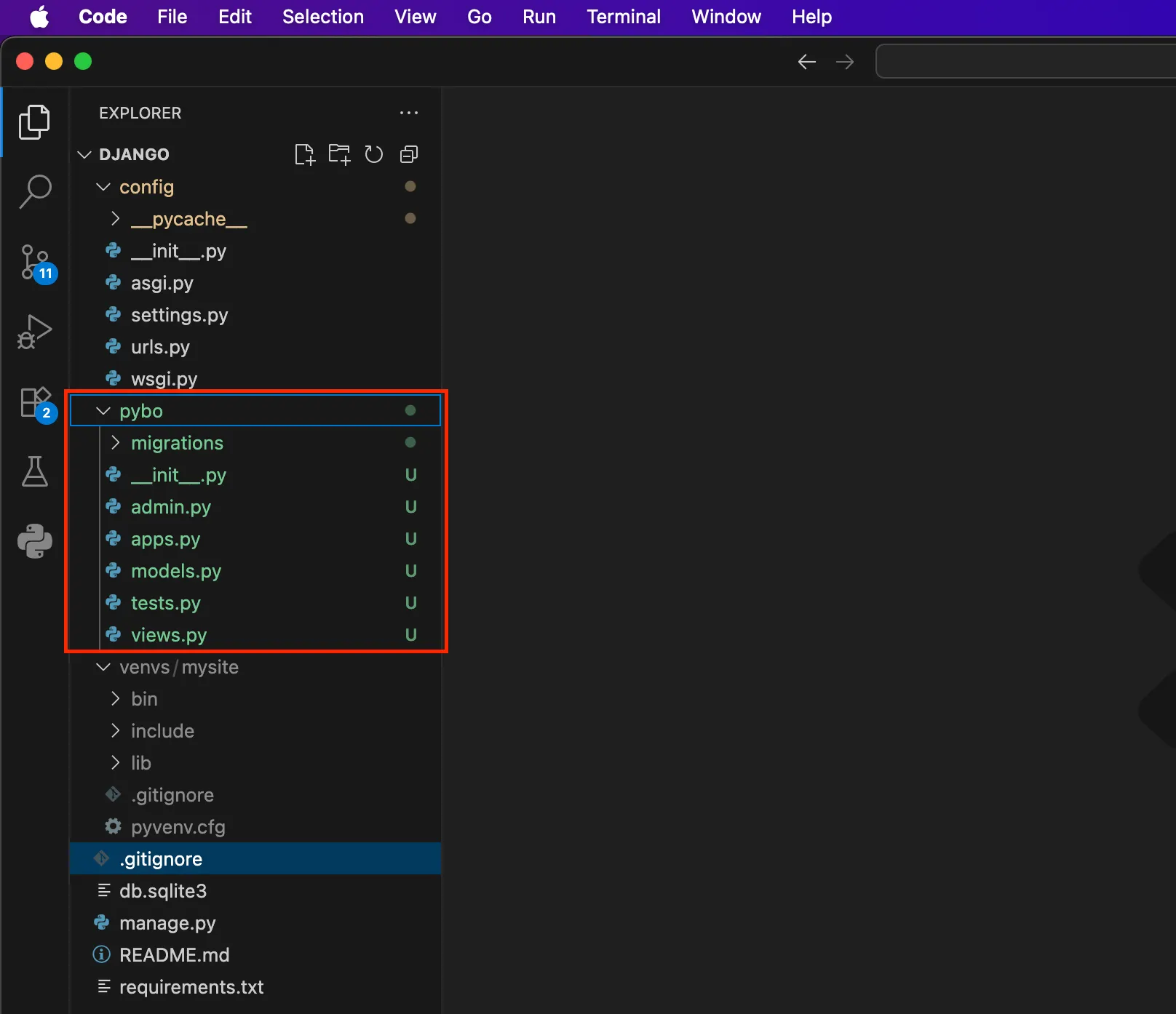
Now, let’s go through each of the files created under the newly generated pybo app directory. This is an important step that we must carefully go over.
•
__init__.py → Makes the directory recognizable as a Python package
•
apps.py → Contains the configuration information of the app
•
models.py → Defines the database models (table structures)
•
migrations/ → Stores model change history and applies it to the database
•
admin.py → Registers models to the Django Admin site
•
views.py → Handles user requests and returns responses
•
tests.py → Contains test code to automatically verify the app’s functionality
Hello Pybo
Now, let’s make it so that when the page http://127.0.0.1:8000/pybo is requested, the message “Hello, welcome to pybo.” is displayed.
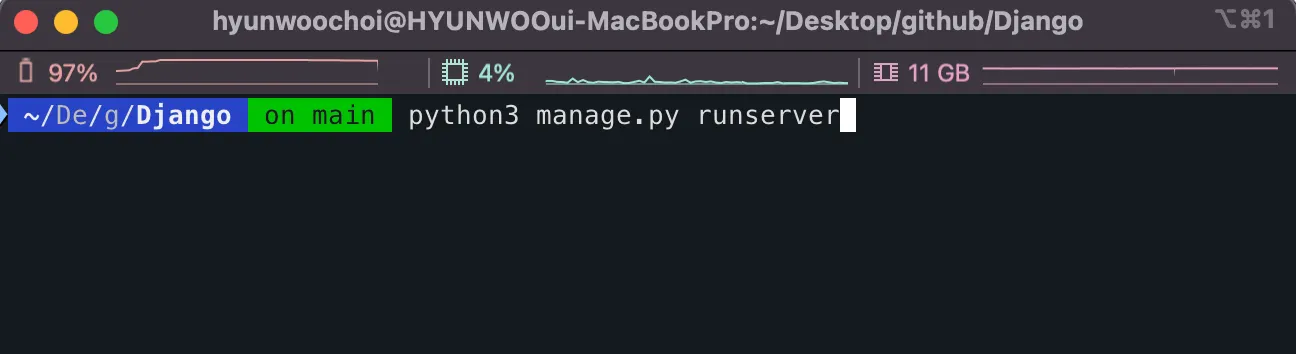
Enter the command below to start running the local server.
python3 manage.py runserver
Bash
복사
And when you send a request to http://127.0.0.1:8000/pybo in the browser, a Page not found (404) error message like the one below will be displayed.
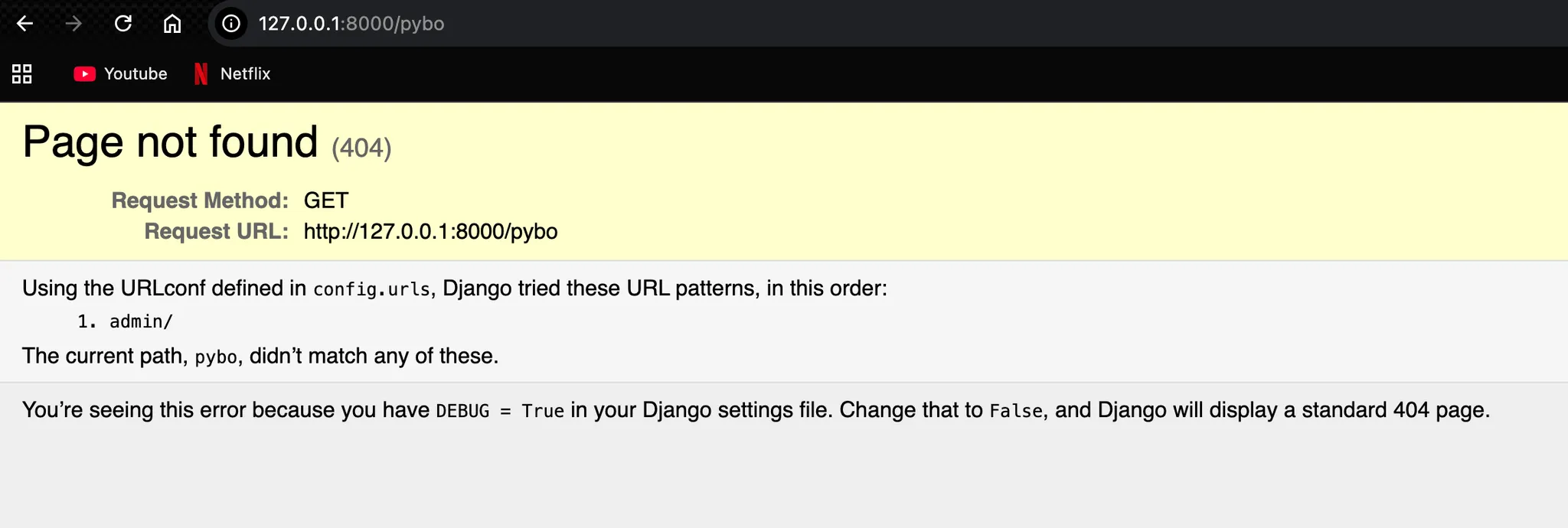
However, this is perfectly normal, so don’t be alarmed. Django helpfully tells you why the error occurred. If you read the error message carefully, you’ll see it’s because there’s no mapping for pybo/ in the config.urls file.
urls.py
config.urls refers to the urls.py file inside the config directory. (If you had named the project something other than config for example, myproject ,then it would be displayed as myproject.urls.)
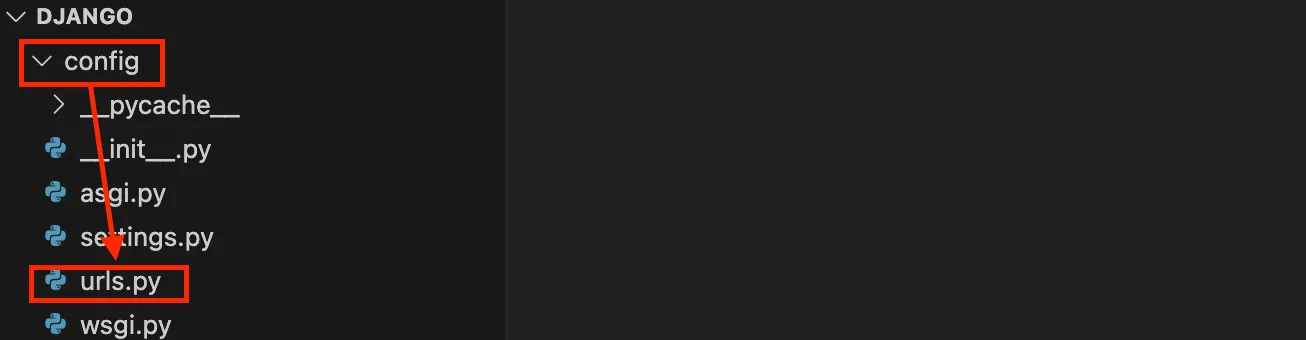
Then, to add the URL mapping, let’s modify the config/urls.py file as follows.
File name : ../Django/config/urls.py
from django.contrib import admin
from django.urls import path
from pybo import views
urlpatterns = [
path('admin/', admin.site.urls),
path('pybo/', views.index),
]
Python
복사
A mapping has been added to urlpatterns so that when the pybo/ URL is requested, it calls views.index. Here, views.index refers to the index function in the views.py file.
views.py
In Django, the urlpatterns list inside the urls.py file is used to connect specific URL paths to the corresponding view functions. It essentially tells Django which view should handle a request when a user visits a particular URL.
For example, if you add a mapping like path("pybo/", views.index), then whenever a user accesses http://127.0.0.1:8000/pybo/, Django will call the index function defined in views.py.
The path() function is what creates each of these mappings. It takes a URL pattern, the view function to execute, and optionally a name for the URL.
For instance, path("pybo/", views.index, name="index") defines a route where the URL pybo/ triggers the index view, and the name "index" can be used for reverse lookups in templates or code. In short, urlpatterns acts as a collection of routes, and path() is the tool you use to define each one.
Now, let’s request the page again at http://localhost:8000/pybo. You’ll probably see an error message saying “This site can’t be reached.”
The reason is that the view function views.index you added to the URL mapping doesn’t exist yet.
So, you now need to add an index function in the pybo/views.py file. Add it like this.
File name : ../Django/pybo/views.py
from django.shortcuts import render
from django.http import HttpResponse
# Create your views here.
def index(request):
return HttpResponse('Hello, welcome to pybo!')
Python
복사
HttpResponse is used to return a response to a request. In this case, it was used to display the string “Hello, welcome to pybo!” in the browser. The parameter request in the index function is the HTTP request object. We will take a closer look at the request object later.
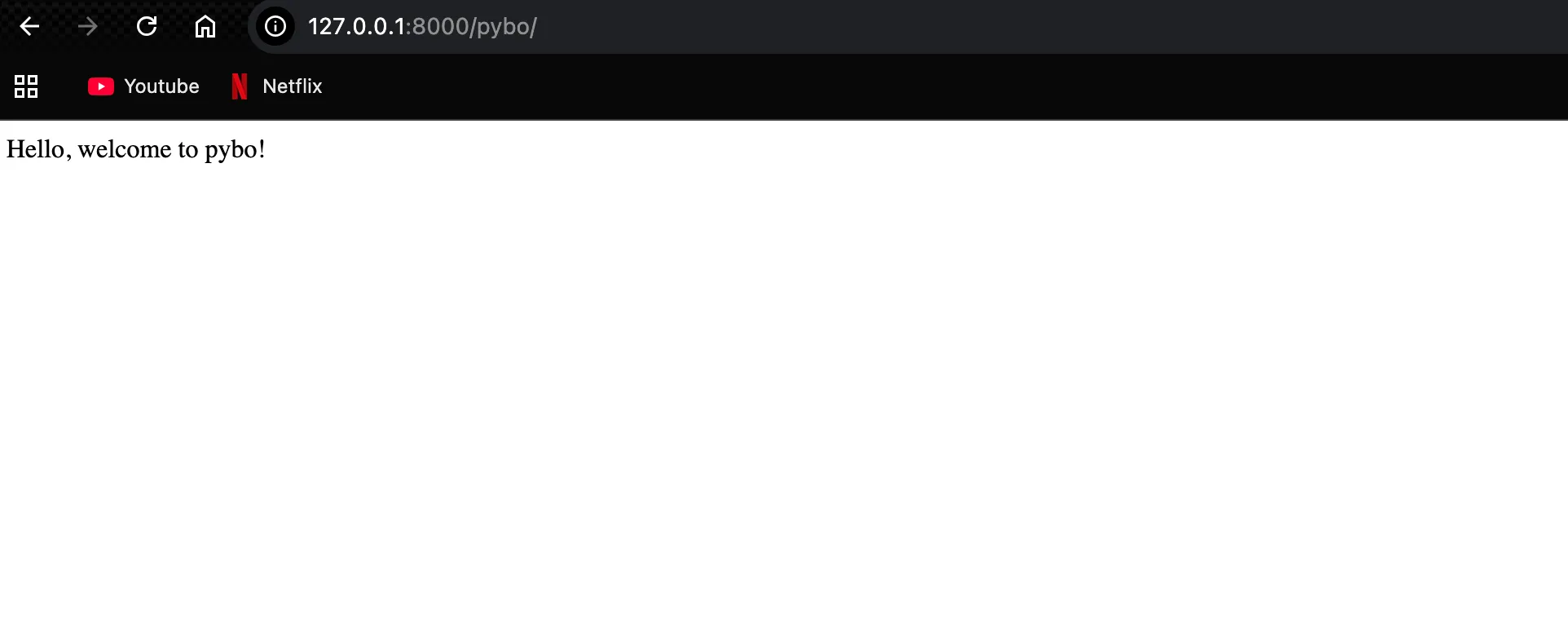
You should be able to see the following result.
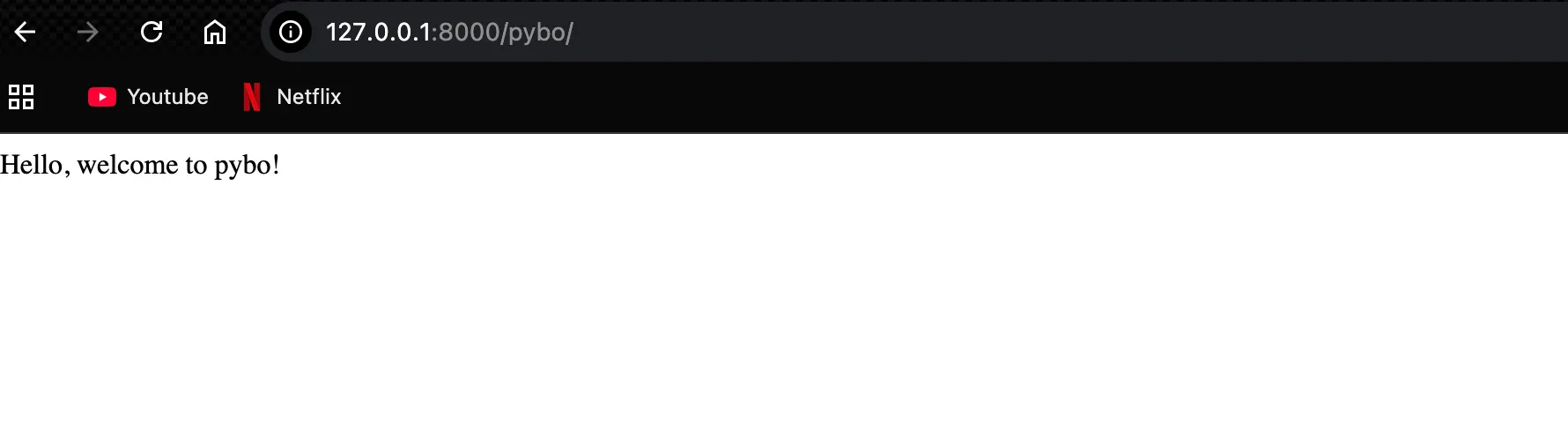
However, after adding the pybo/ URL, if you request http://127.0.0.1:8000, a 404 “Page not found” error will likely be displayed.
This is because registering the pybo/ path does not automatically connect it to the root path (/). Django compares the requested path with the URL patterns defined in urlpatterns, and only when it finds a match does it execute the corresponding view function.
Since there is no pattern corresponding to the empty string ('') for the root path, no view is mapped, and as a result Django returns a 404 error indicating that the page does not exist. If you want to display a specific page at the root path as well, you need to add a pattern such as path('', views.index).
Django Development Flow
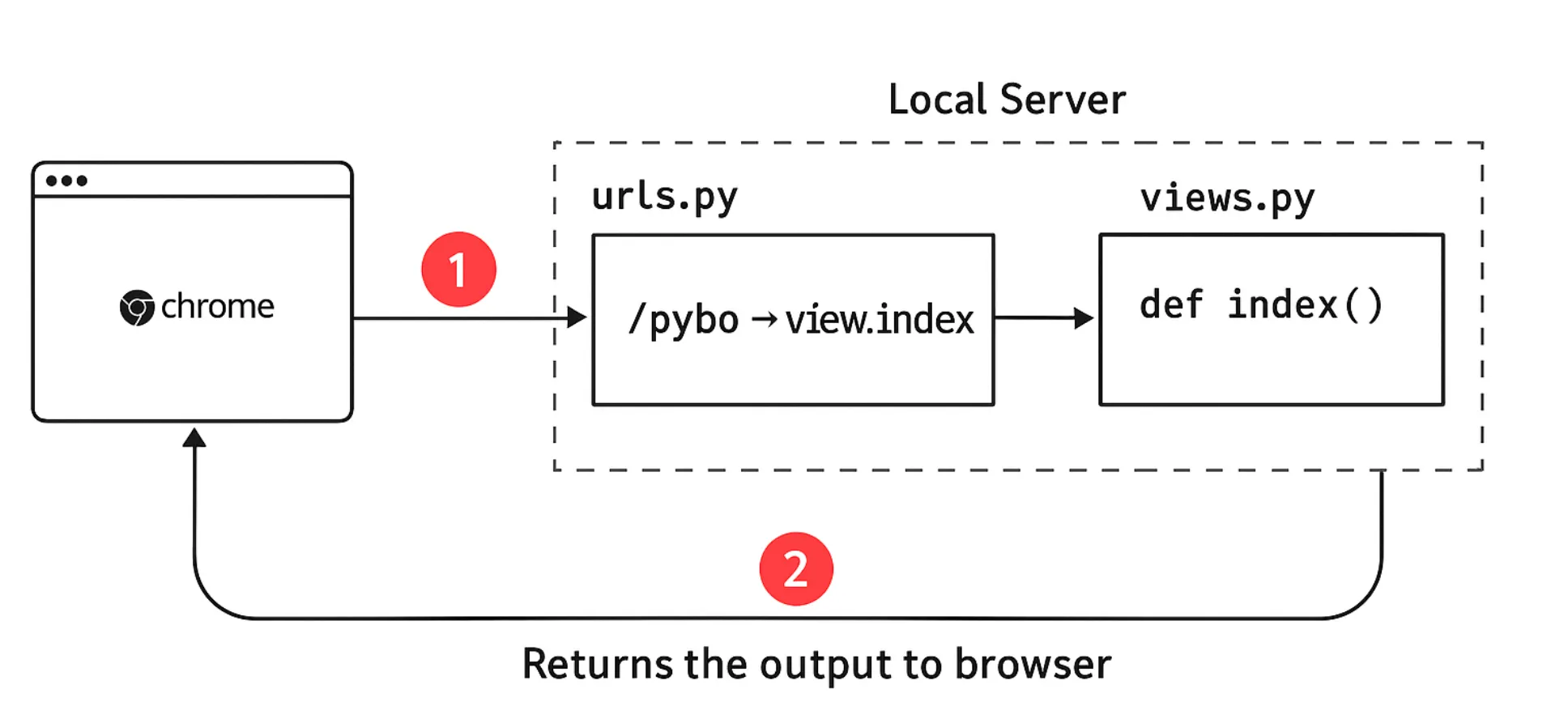
1.
2.
The urls.py file checks the /pybo URL mapping and calls the index function in the views.py file.
3.
The result of the index function is returned to the browser.
URL separation
However, there is a problem: all URL mappings must be managed directly in config/urls.py. Whenever a new app is added or an existing app’s URL is modified, this file has to be updated, which makes it increasingly complex over time.
Moreover, the file intended to manage the overall project ends up handling the detailed URLs of individual apps, blurring the separation of responsibilities.
The solution to this problem is URL separation. Each app should have its own urls.py file that manages only the URLs related to that app.
Then, in config/urls.py, you can use include() to import the URL mappings of each app.
This way, the project-level configuration is responsible only for the overall structure, while each app takes care of its own URL details.
As a result, maintainability improves, and adding or modifying apps becomes much more systematic and clean.
from django.contrib import admin
from django.urls import path, include
# from pybo import views # <- no longer need
urlpatterns = [
path('admin/', admin.site.urls),
#path('pybo/', views.index),
path('pybo/', include('pybo.urls')),
]
Python
복사
By changing the pybo/ URL mapping from path('pybo/', views.index) to path('pybo/', include('pybo.urls')), the structure becomes much clearer.
This setting means that “all requests starting with pybo/ will now follow the mapping rules defined in pybo/urls.py.”
As a result, when adding URLs like pybo/question/create or pybo/answer/create, there is no need to modify config/urls.py, instead, you only manage them within pybo/urls.py.
Separating URLs in this way keeps the overall project structure clean and allows each app to function independently, greatly improving maintainability and scalability.
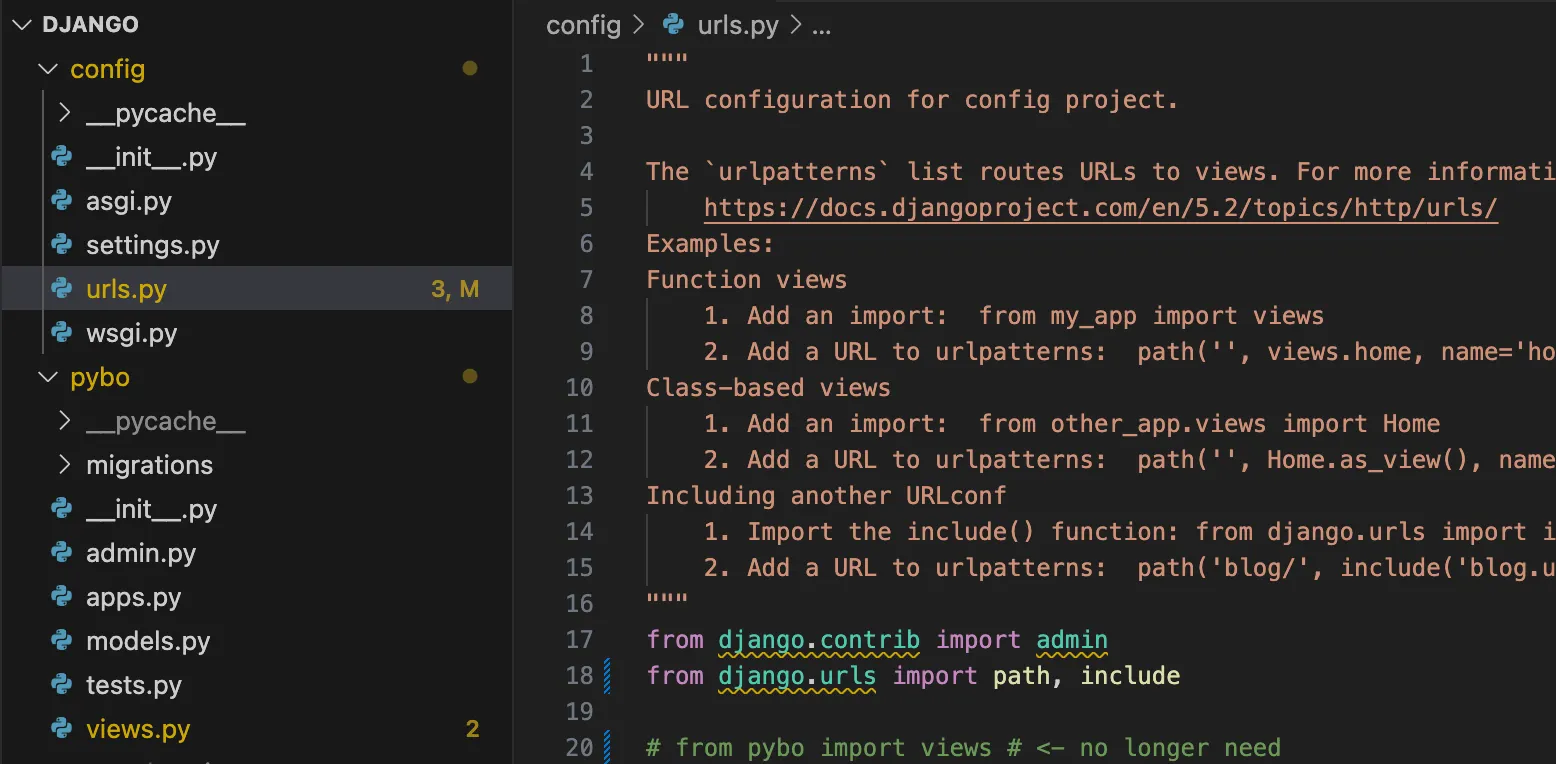
However, in the current project, there is no urls.py file under the pybo/ directory, so we need to create a separate urls.py file inside the app.
Now we need to create the pybo/urls.py file. Inside the pybo directory, create a new urls.py file and enter the following code.
File name : ../Django/pybo/urls.py
from django.urls import path
from . import views
urlpatterns = [
path('', views.index),
]
Python
복사
There is not much difference from what was previously written in config/urls.py. However, in pybo/urls.py, the empty string '' is used, as in path('', views.index), instead of explicitly writing pybo/. This works because config/urls.py has already specified that all requests starting with pybo/ should be routed to pybo/urls.py.
In other words, when a request is made, the two parts are combined. First, config/urls.py adds the pybo/ prefix, and then the '' path in pybo/urls.py is applied. Together, these form the final pybo/ URL.
config/urls.py | pybo/urls.py | Final URL | ||
'pybo/' | + | '' | = | 'pybo/' |
'pybo/' | + | 'question/create/' | = | 'pybo/question/create/' |
If a URL mapping such as path('question/create/', ... ) is added to the pybo/urls.py file, the final mapped URL will become pybo/question/create/ because the pybo/ prefix is added.
Now, request the page again at http://127.0.0.1:8000/pybo. You will see that the same result appears even after separating the URLs.